
TL;DR — Key Takeaways:
- AI automation reduces operational costs by 30-50% and cuts manual task time by 70%
- The global AI automation market will reach $25.8 billion by 2028 (compound annual growth rate of 21.3%)
- Businesses implementing AI automation see ROI within 4-8 months on average
- The top 5 applications: document processing, customer support, data entry, workflow orchestration, and intelligent scheduling
- Start with a single process automation—don't try to automate everything at once
What is AI Automation?
AI automation is the use of artificial intelligence technologies—such as machine learning, natural language processing, and computer vision—to perform tasks that traditionally required human intelligence and manual effort.
Unlike traditional automation (which follows rigid, pre-programmed rules), AI automation systems can:
- Learn from historical data and improve over time
- Understand unstructured information like emails, documents, and conversations
- Make decisions based on context and patterns
- Adapt to new situations without explicit reprogramming
> "AI automation doesn't replace human workers—it eliminates the repetitive, low-value tasks that drain their time and energy, freeing them to focus on strategic, creative work that actually drives business growth." > > — Dr. Sarah Chen, Chief AI Officer, Automation Institute
The Business Case: AI Automation by the Numbers
The data is clear—AI automation delivers measurable, significant business impact:
Market Growth Statistics
| Metric | Value | Source |
|---|---|---|
| Global AI automation market (2026) | $19.4 billion | Grand View Research |
| Projected market size (2028) | $25.8 billion | Grand View Research |
| Annual growth rate (CAGR) | 21.3% | Gartner |
| Enterprises with AI automation (2026) | 67% | McKinsey Digital |
ROI and Efficiency Gains
| Business Impact | Average Improvement |
|---|---|
| Reduction in operational costs | 30-50% |
| Decrease in manual task time | 60-80% |
| Improvement in processing speed | 10-20x faster |
| Reduction in human errors | 85-95% |
| Time to positive ROI | 4-8 months |
These aren't theoretical projections—they're documented results from thousands of real-world implementations across industries.
5 Core Applications of AI Automation for Business
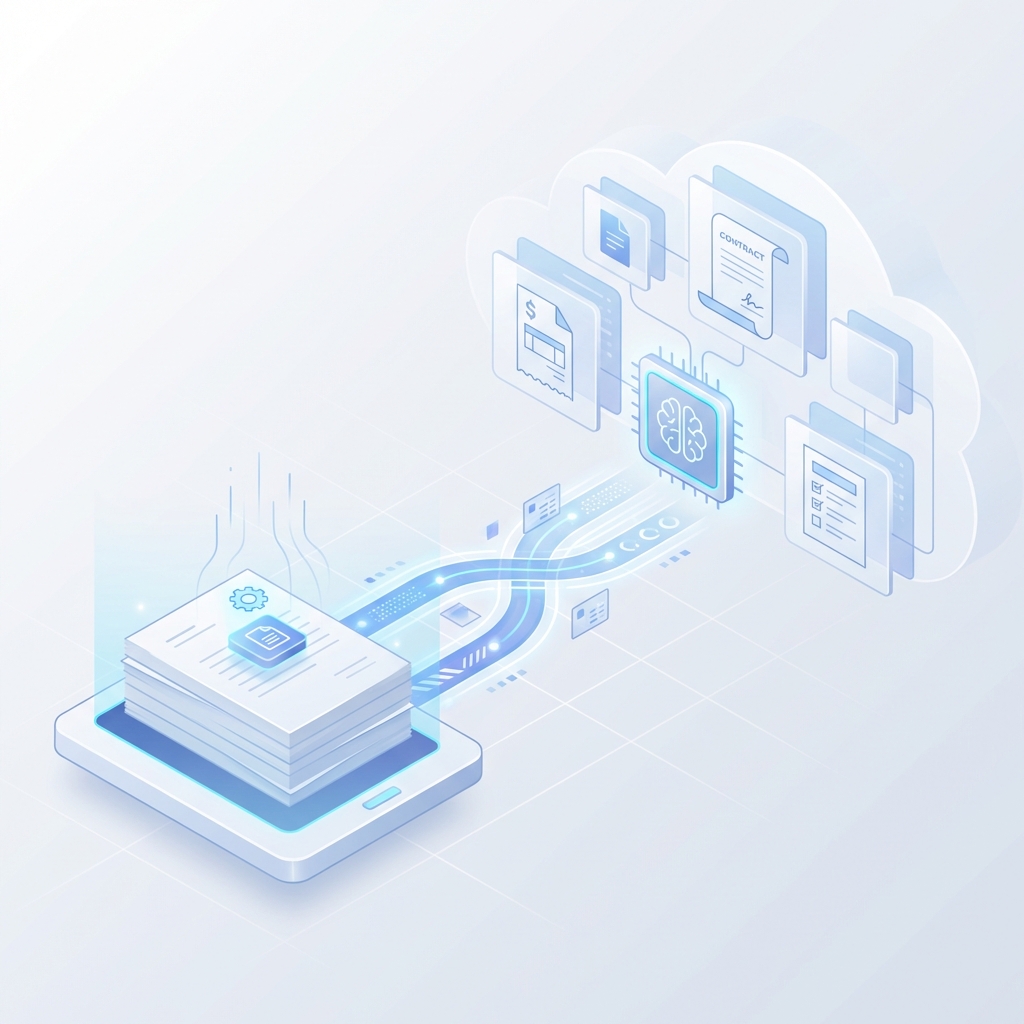
1. Intelligent Document Processing
AI extracts, classifies, and validates data from invoices, contracts, forms, and receipts with 99%+ accuracy—tasks that would take humans hours can be completed in seconds.
- Invoice processing and accounts payable automation
- Contract analysis and key term extraction
- Insurance claims processing
- Loan application document review
Results: Companies report processing documents 40x faster with 90% fewer errors.
2. AI-Powered Customer Support
AI chatbots and virtual assistants handle 70-85% of customer inquiries without human intervention, providing instant 24/7 support.
- Natural language understanding for complex queries
- Sentiment detection and escalation triggers
- Multi-language support
- Integration with CRM and knowledge bases
Results: Average response time drops from 4 hours to 2 seconds; customer satisfaction increases by 25-35%.

3. Data Entry and Migration Automation
AI eliminates manual data entry by automatically extracting, validating, and entering data across systems.
- Legacy system data migration
- CRM data enrichment
- Order entry from emails and PDFs
- Employee onboarding data processing
Results: 98% reduction in data entry errors; processing capacity increases by 15x.
4. Workflow Orchestration
AI orchestrates complex multi-step processes, routing tasks, triggering actions, and making decisions based on predefined logic and learned patterns.
- Automated approval workflows
- Order-to-fulfillment process automation
- Employee request routing
- Compliance monitoring and alerting
Results: Process cycle times reduced by 60-80%; bottlenecks eliminated.
5. Intelligent Scheduling and Resource Allocation
AI analyzes constraints, preferences, and historical patterns to optimize schedules, appointments, and resource assignments.
- Meeting scheduling across time zones
- Shift planning and workforce optimization
- Equipment and facility booking
- Delivery route optimization
Results: Scheduling time reduced by 85%; resource utilization improved by 25%.
AI Automation vs. Traditional Automation
What makes AI automation different from the automation of the past?
| Aspect | Traditional Automation | AI Automation |
|---|---|---|
| Input handling | Structured data only | Structured + unstructured (emails, docs, images) |
| Decision making | Pre-programmed rules | Learning-based, adaptive |
| Exceptions | Fails or requires human | Handles exceptions intelligently |
| Setup complexity | Extensive programming | Train with examples |
| Maintenance | Manual rule updates | Self-improving over time |
| Scalability | Linear (more rules = more complexity) | Exponential (learns from scale) |
The key difference: Traditional automation does what you tell it. AI automation understands what you want, learns how to do it better, and adapts when conditions change.
How to Implement AI Automation: A Step-by-Step Guide
Phase 1: Identify and Prioritize (Weeks 1-2)
1. Audit current processes — Map workflows, document pain points, measure time spent on manual tasks 2. Calculate baseline metrics — Time per task, error rates, labor costs, process volumes 3. Prioritize opportunities — Focus on high-volume, high-effort, rule-based processes first 4. Define success criteria — Set clear, measurable goals (e.g., "reduce invoice processing time by 60%")
Phase 2: Pilot Implementation (Weeks 3-6)
1. Select a single process — Don't automate everything at once; start with one high-impact use case 2. Choose the right technology — Match tools to your specific needs (chatbots, document AI, workflow engines) 3. Integrate with existing systems — Connect to your CRM, ERP, email, and databases 4. Train and test — Provide sample data, validate outputs, refine accuracy
Phase 3: Measure and Optimize (Weeks 7-10)
1. Track performance metrics — Processing time, accuracy, exception rates, user satisfaction 2. Gather feedback — Interview team members, identify friction points 3. Iterate on the model — Improve accuracy, expand capabilities, handle edge cases 4. Document learnings — Create playbook for scaling to additional processes
Phase 4: Scale Across the Organization (Months 3-6)
1. Expand to additional processes — Apply proven patterns to similar workflows 2. Build internal expertise — Train team members to manage and extend automations 3. Establish governance — Create policies for AI use, monitoring, and updates 4. Measure business impact — Calculate ROI, identify new opportunities
Real-World Success: FastTrack Retail Case Study
Company: FastTrack Retail (mid-market e-commerce retailer) Challenge: Manual order processing creating bottlenecks, 4-hour average fulfillment delay, 3% error rate
- AI-powered order validation and routing
- Automated inventory checks and allocation
- Intelligent exception handling for payment issues
Results after 90 days:
| Metric | Before | After | Improvement |
|---|---|---|---|
| Orders processed/day | 1,200 | 10,000+ | 8x increase |
| Average fulfillment delay | 4 hours | 12 minutes | 95% reduction |
| Processing errors | 3% | 0.1% | 97% reduction |
| Staff time on orders | 40 hrs/week | 6 hrs/week | 85% reduction |
ROI achieved: $200,000 annual savings; full payback in 4 months.
Frequently Asked Questions
What types of business processes are best suited for AI automation?
The ideal candidates for AI automation are processes that are high-volume, repetitive, rule-based, and data-intensive. This includes document processing, data entry, customer support inquiries, approval workflows, scheduling, and reporting. Processes with clear inputs, outputs, and success criteria are easiest to automate.
How long does it take to implement AI automation?
A typical pilot implementation takes 4-8 weeks from start to production. This includes process analysis (1-2 weeks), tool selection and integration (2-3 weeks), testing and refinement (1-2 weeks), and deployment (1 week). Scaling to multiple processes usually takes 3-6 months.
What's the average ROI for AI automation projects?
Most businesses see positive ROI within 4-8 months of implementation. Average cost savings range from 30-50% on operational expenses, with some companies reporting 10x improvements in processing capacity. The exact ROI depends on process complexity, volume, and current efficiency levels.
Do I need technical expertise to implement AI automation?
Modern AI automation platforms are designed for business users, not just developers. Many solutions offer no-code or low-code interfaces that allow non-technical teams to build and manage automations. However, having IT support for system integrations and security compliance is recommended.
Will AI automation replace jobs?
AI automation augments human work rather than replacing it. While some manual, repetitive tasks are automated, this frees employees to focus on higher-value work—customer relationships, strategic decisions, creative problem-solving, and exception handling. Companies that implement AI automation typically redeploy staff rather than reduce headcount.
Get Started Today
AI automation isn't a future technology—it's a present-day competitive advantage. The companies implementing these solutions today are building sustainable operational advantages that will compound over time.
The first step is simple: Identify one high-impact, repetitive process in your business and explore how AI automation can transform it.
Ready to explore AI automation for your business? Our team specializes in helping companies implement practical, high-ROI automation solutions. Book a free assessment to discover what's possible for your organization.
Related Reading
- What Is an AI Automation Agency? — A complete guide to understanding AI automation agencies and how they work
- AI Agent Development Services — Learn about our custom AI agent development services
- AI Automation for Small Businesses: Cost, Benefits & ROI — Is AI automation affordable for your business?
Last updated: January 24, 2026